Open now

Your marketing, handled.

Watt drafts a week of posts, emails and graphics for financial advisors, in your voice and your brand. You read it, change what you like, and approve it in about ten minutes.

A whole week, ready on Monday.

Watt picks topics your clients care about, writes each post for its platform and draws the graphic, with three looks to choose from. Here is one sample firm's week, Ridgeline Planning, with the other two looks under each post.

MonLinkedIn
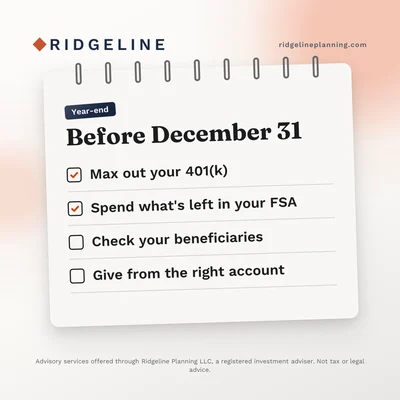
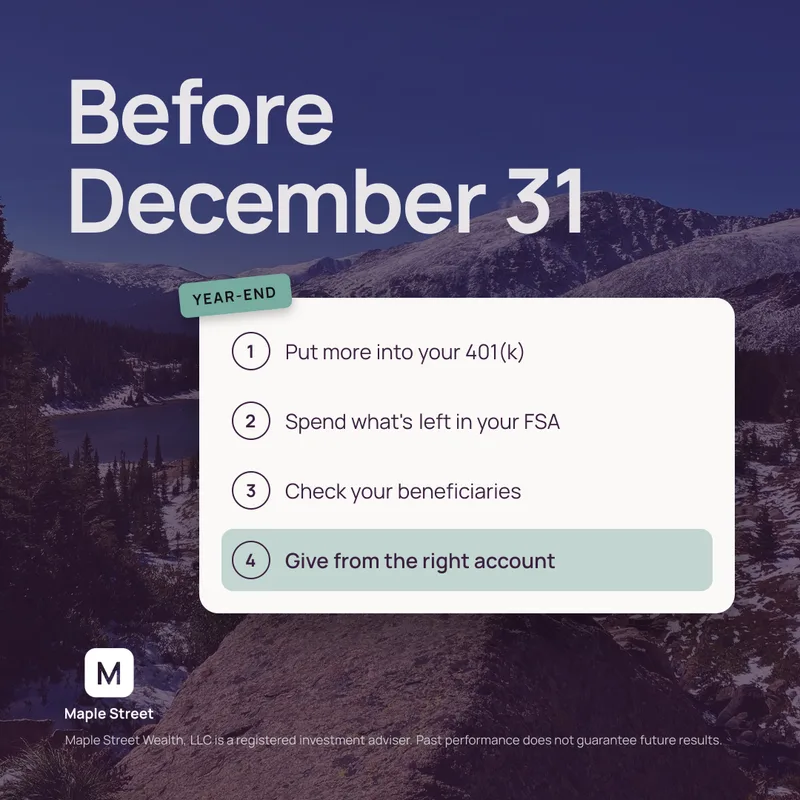
Before December 31, a four-step year-end checklist over a mountain photo
Other looksThe same checklist on a phone beside a short listThe same checklist on a notebook page
TueInstagram
Retirement isn't an age. It's a plan, with the advisor's photo in front of a rust circle
Other looksThe same line on a billboard beside the advisorThe same line over a misty mountain photo
WedFacebook
$7,500 in a rust circle, the most you can put into an IRA this year if you're under 50
Other looks$7,500 in large type beside the advisor's photo$7,500 over a dark mountain photo
ThuLinkedIn
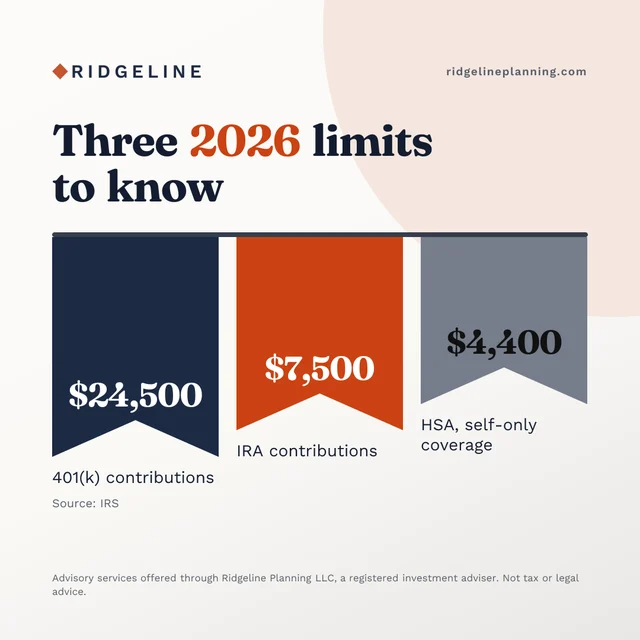
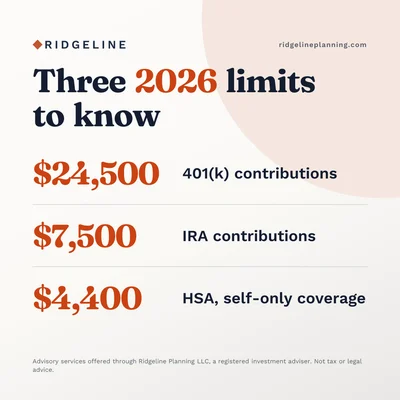
Three 2026 limits to know, shown as three ribbons
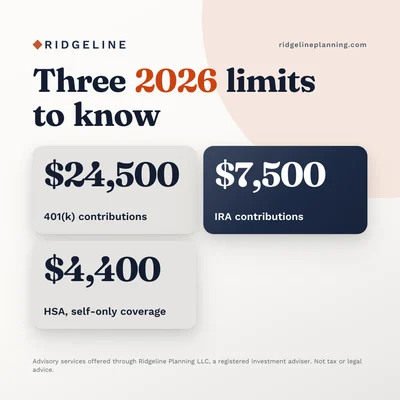
Other looksThe same three limits as tilesThe same three limits as rows of large numbers
FriX
The best plan is the one you'll actually follow, a quote over a photo of a window and a coffee pot
Other looksThe same quote on a cream cardThe same quote beside the advisor's photo

Every graphic in your colors, fonts and logo.

Paste your website and Watt reads your brand in about a minute. Here are three firms with three different posts, each drawn its own way.

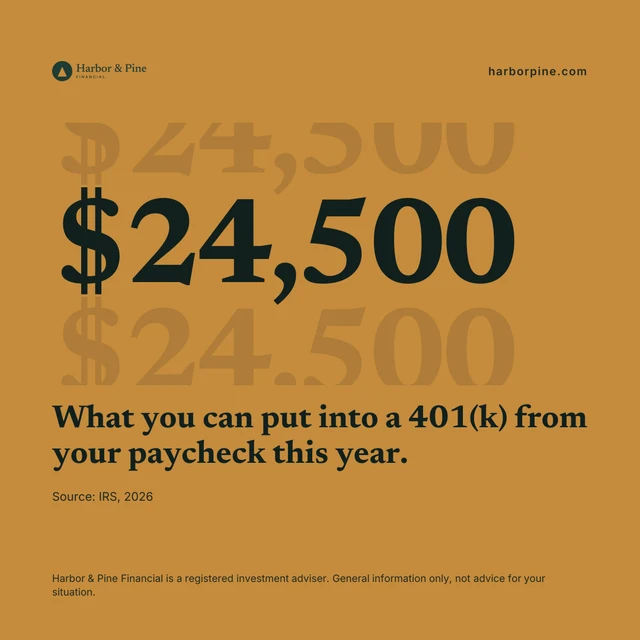
A Harbor & Pine Financial post drawn as a chat, a client question and the advisor's answer about paying off loans or investing
Harbor & Pine Financial
A Ridgeline Planning post drawn as a ticket, Your December money moves, with three year-end steps
Ridgeline Planning
A Maple Street Wealth post drawn as a billboard, Your money, planned around your life, with the advisor standing beside it
Maple Street Wealth
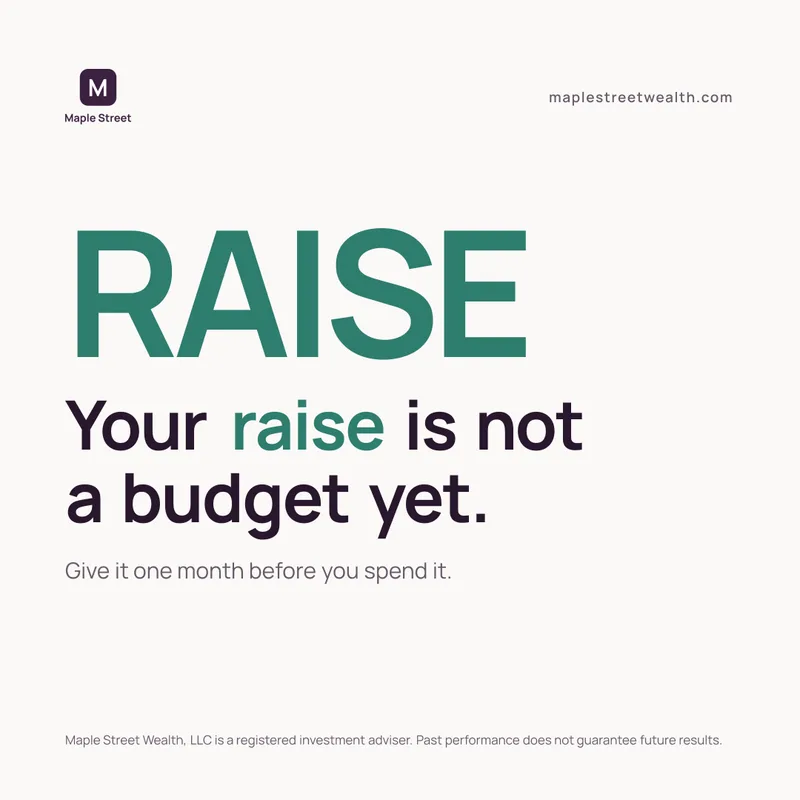
Watt post: the advisor cut out in front of the word PLANWatt post: is it a bad time to buy a house?Watt post: the advisor on a mountainWatt post: pay yourself firstWatt post: retirement isn't an age, it's a plan, with the advisorWatt post: the advisor hiking a mountain trailWatt post: a good plan should feel boringWatt post: your first raise is a great time to save moreWatt post: a magazine cover with the advisorWatt post: your raise is not a budget yetWatt post: a year-end checklist on a mountain photoWatt post: beneficiaries

More made by Watt, with bold type, the advisor's own photos and cut-outs. Sample firms; the advisor in the photos is Sam Farrington, who built Watt.

More than posts.

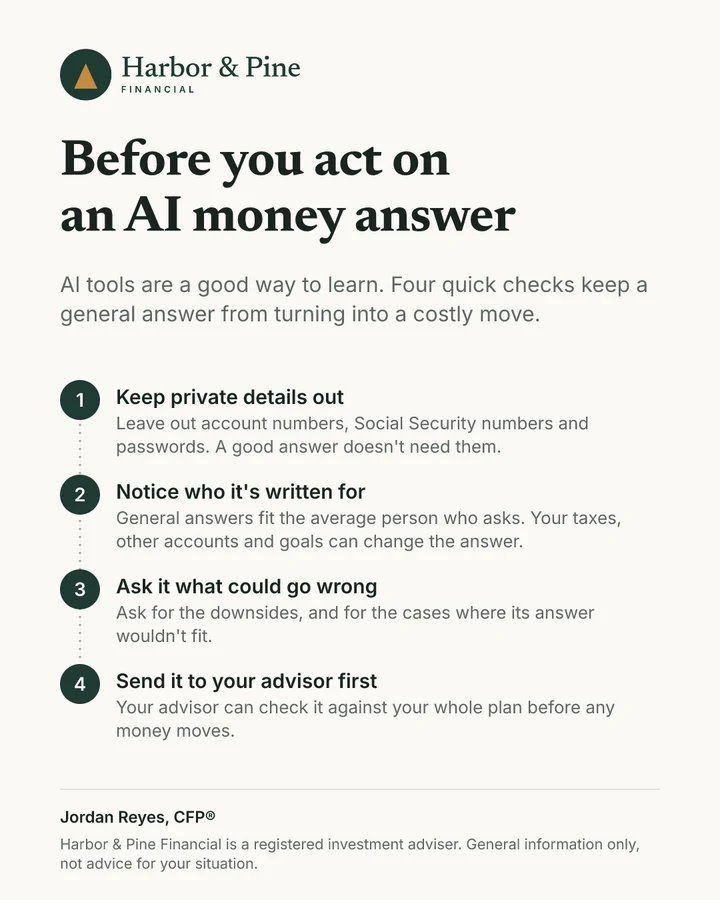
Before you act on an AI money answerA general answer can't see your taxes, your other accounts or your plans.

Hi there,

If you've asked ChatGPT or another AI tool about your money, you're in good company. It's a good way to learn the basics.

Before you act on an AI answer, forward it to me. I'll check it against your plan.

Visit Harbor & Pine

Client emails, newsletters and quarterly letters

Notes your clients actually read. Your quarterly letter comes with the quarter's real market figures and their sources. Copy them into your email tool, or send them to Mailchimp as a draft.

A one-page client handout, Before you act on an AI money answer

Client handouts

More than fifty one-page explainers, from Roth conversions to Social Security, drawn in your brand.

JJordan Reyes, CFP®Harbor & Pine Financial

Lots of my clients now ask AI tools about their money, and that's a fine way to learn. One habit is worth adding before you type.

A LinkedIn post graphic, What to leave out of an AI money question
Tue · 8:30 amPosted to LinkedIn

Posted for you on LinkedIn and X

Connect your accounts and Watt posts what you approve, at the time you pick.

About ten minutes a week.

  1. Step 1

    Paste your website

    Watt reads your colors, your logo and how you write. No files to fill in.

  2. Step 2

    Approve your week

    Pick from a few options for each post and change anything you like.

  3. Step 3

    Post it

    Watt posts your LinkedIn posts. Everything else, you copy and send.

Built for compliance-aware workflows.

No client details

Watt writes marketing, so it never asks about your clients.

You approve everything

Nothing goes out until you say so. Send any draft to your compliance reviewer with a private link, and their approval stays with your copy.

A check on every draft

Each draft is checked against SEC Marketing Rule and FINRA 2210 basics. Your firm's review still decides.

A copy of what you approve

Download your approved copies any time, or have each one emailed to your firm's archive address.

Questions advisors ask.

Straight answers, starting with the price.

What does Watt cost, and is it worth it?
$399 a monthor $3,990 a year (two months free). No contract, cancel online any time. The first 7 days are free, no card needed.
  • One new client covers it. A single client you win from showing up online is worth more than a year of Watt.
  • It costs less than your time. A few hours of writing posts each month is worth more than $399 of your day. Watt gives those hours back.
  • You stay visible, even in busy months. Clients and prospects see you every week, so you're the one they think of when they're ready.
Do I need Claude or ChatGPT?

No. Watt runs in your browser. Paste your website and it does the setup.

Does Watt post anything on its own?

Only what you approve, at the times you pick. Connect LinkedIn or X and Watt posts there for you. Facebook Pages are coming once Meta finishes reviewing Watt. Instagram posts and client emails are ready to copy, and emails can go to Mailchimp as a draft.

Can posts use my own photo?

Yes. Add your headshot or office photos and Watt builds posts around them, including designs that stand you in front of your brand colors. No photos yet? Watt picks stock or AI-made photos that fit the post.

An advisor's headshot
Your photo
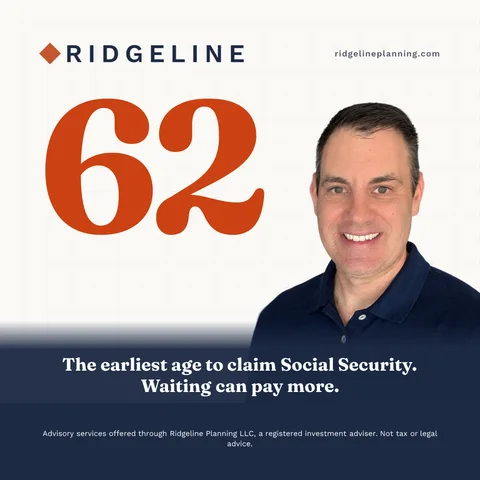
The same advisor cut out in front of a rust circle, Retirement isn't an age. It's a plan.The advisor beside a billboard, Your money, planned around your life.The advisor beside a large 62, the earliest age to claim Social Security
What if I don't like a draft?

Each post comes with three looks to choose from. Ask Watt to rewrite the words and keep the graphic, or change anything yourself. Watt learns from the looks you pick.

1Pick a look
Look one, a rust circle with $7,500
Picked
Look two, the advisor beside $7,500
Look three, $7,500 over a mountain photo
2Change the words, keep the graphic

The IRA limit for 2026 is $7,500 if you're under 50. If you haven't funded yours yet, there's still time before April.

Rewrite with Watt
Another versionShorterMore personalPlainer
Or say how, e.g. end by asking people to book a call
Will Watt keep me compliant?

No tool can promise that. Watt checks every draft for common advertising rule problems and can fix a flagged line for you. It keeps a copy of everything you approve, can email each one to your firm's archive address, and can send drafts to your compliance reviewer to sign off. Your firm's review still governs.

Does Watt use client data?

No. It works from your website, your voice, your settings and any photos of yourself you add. There is no place for client details.

What happens when markets drop?

After a sharp drop in the S&P 500, Watt drafts a calm note to your clients, a post and a check-in for the next week, using only that day's figures. It never predicts. You read it and approve it like anything else.

What if I don't have a niche?

Watt writes for individuals and families at every stage of life, and anchors each post in a real moment like a new baby or a first retirement check.

Watt is open.

Try it free for 7 days. No card needed, and nothing goes out without your approval.

Sam Farrington, CFP®Sam Farrington, CFP®
Creator of Amplify for Advisors