Financial advisors can now create clean, branded client explainer visuals with AI in a few minutes, without hiring a designer and without learning a design tool. The approach that works is asking AI to build the graphic as code rather than generate it as an image, which gives you exact brand colors, exact text, and a disclosure line that appears on every single graphic because it lives in the template.
That last sentence probably sounds technical. It isn't, and by the end of this article you'll know exactly how to do it.
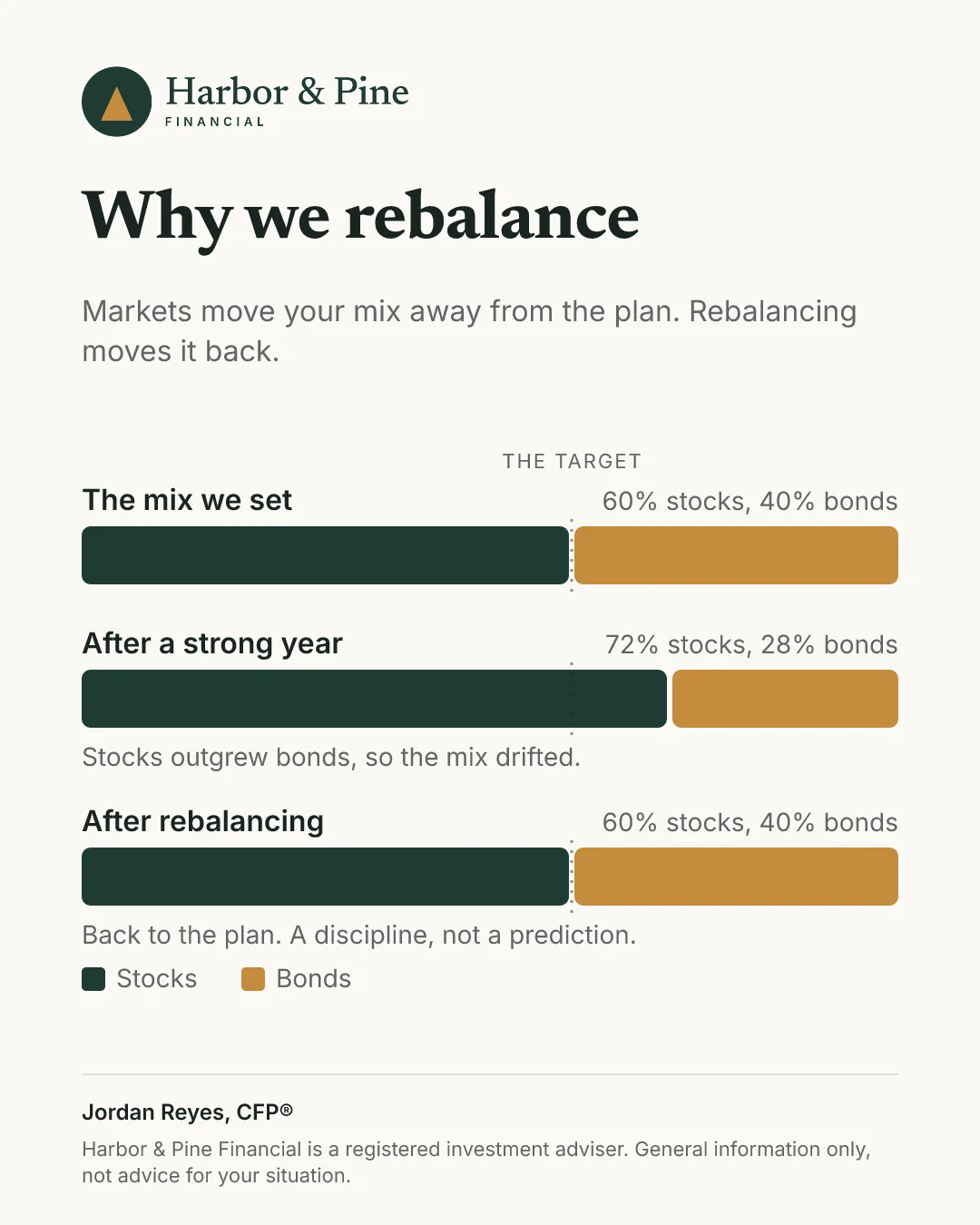
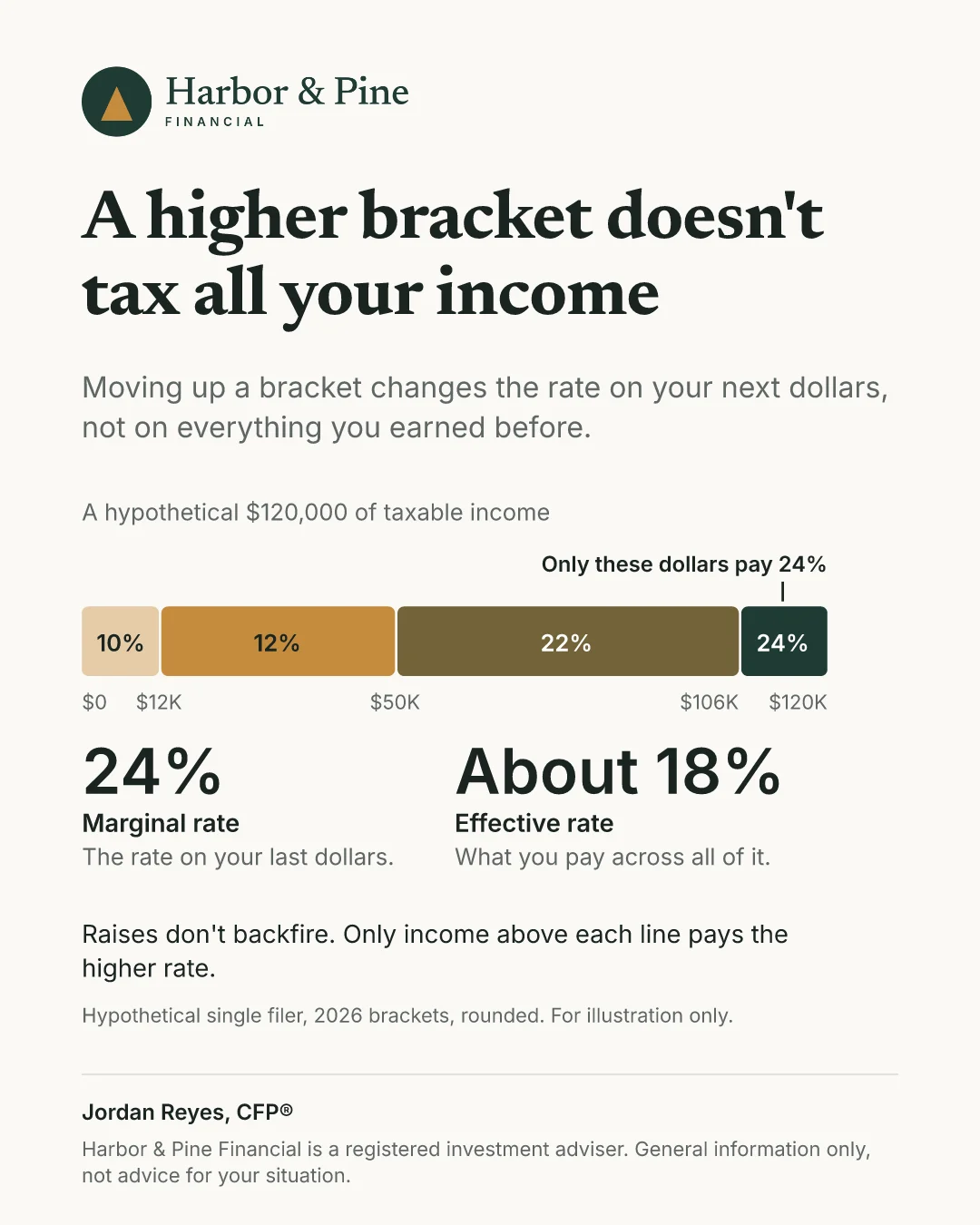
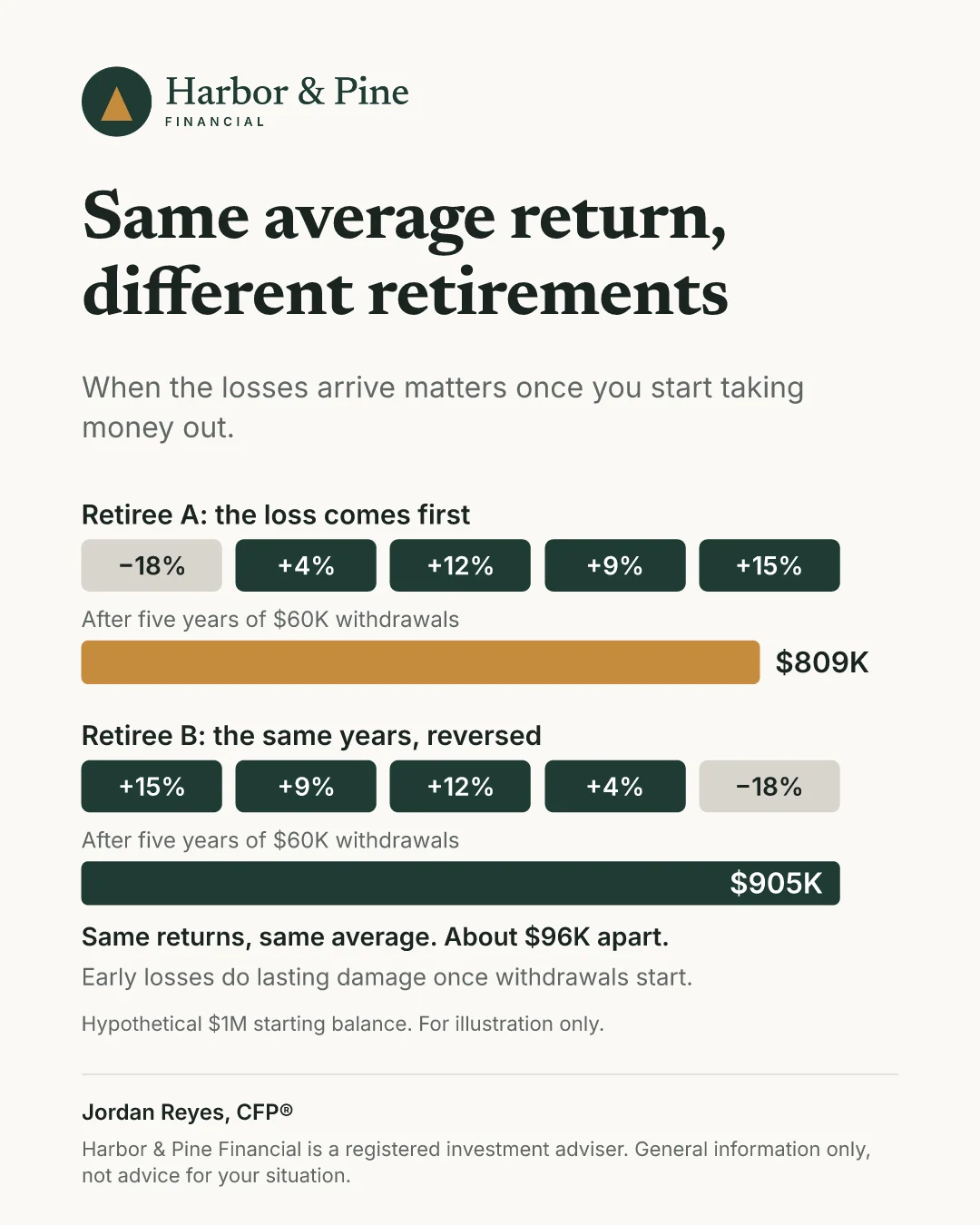
Think about the concepts you explain over and over. Why we rebalance. The difference between marginal and effective tax rates. What sequence of returns risk actually means for someone retiring next year. You've gotten pretty good at explaining these out loud, and your clients still forget the details a week later. A clean one-page visual fixes that, because your client can pull it up again when the question comes back.
Why Do Visuals Work Better Than Another Explanation?
A visual works because it gives your client something to hold onto after the meeting ends. Your verbal explanation of Roth versus traditional was probably great, but it existed for ninety seconds and then it was gone. A graphic sits in their inbox, gets forwarded to a spouse, and shows up again when they're actually making the decision.
There's a referral angle here too. When a client forwards your rebalancing graphic to their brother-in-law, your name, your logo, and your disclosure travel with it. That's your thinking, in your brand, doing quiet work in a conversation you were never part of. A paragraph of text almost never gets forwarded. A clean graphic does.
And visuals compound. Build one explainer this week and you'll use it in review meetings, in your client newsletter, in onboarding, and in the follow-up email after a prospect call. The concepts don't change, so the graphic keeps working for years.
Is There a Compliance Problem With Client Graphics?
Educational graphics are one of the safer content formats an advisor can produce, as long as two things are true. The content stays educational rather than promissory, and your required disclosure actually appears on the graphic.
For RIAs, the SEC Marketing Rule governs advertising, and examiners have paid real attention to it in recent exam cycles. The concepts that get firms in trouble are performance claims, hypothetical projections without context, and testimonials without required disclosures. A graphic explaining what an emergency fund covers touches none of that. If you work under a broker-dealer, FINRA's retail communication rules apply instead, which usually means principal approval before anything goes out, so build that step into your process rather than around it.
The practical failure point with graphics is simpler than any of that. It's the disclosure line that was on version one, got cropped out of version four, and nobody noticed. Here's why the code-rendered approach matters for compliance and why I keep coming back to it. When the disclosure is part of the template itself, it can't be forgotten, cropped, or overwritten. Every graphic that comes out of the system carries it automatically. Your compliance process gets easier because the thing reviewers check first is structurally guaranteed to be there.
If you want the fuller picture on keeping AI content on the right side of the line, the compliance-first approach to AI content covers it in depth.
Can AI Actually Design a Client Graphic?
Yes, but the method matters more than the tool. There are two ways AI can make a graphic, and only one of them is usable for advisor work.
The first way is image generation, where you describe a picture and the AI paints one. You've seen the results. Text comes out misspelled, your brand blue comes back as a different blue, and the third revision breaks something the second revision fixed. Image generation is fine for illustrations and backgrounds. It's the wrong tool for a graphic where the words and the numbers have to be exactly right, and in our profession the words and the numbers always have to be exactly right.
The second way is code rendering, where the AI writes the graphic as a small piece of code, usually SVG, that your browser draws on screen. Code is exact. The hex value you give it is the hex value you get. The text says precisely what you typed, down to the punctuation in your disclosure. And because it's code, changing the accent color or the headline is a one-line edit instead of a regeneration lottery.
Claude and ChatGPT can both write SVG graphics today, right in a normal conversation. You describe the concept, give your two brand colors and your font, paste your disclosure line, and ask for a clean one-page explainer rendered as SVG. What comes back is a real graphic you can export and send. It takes a little practice to get the layout instructions right, but the tenth one goes much faster than the first.
How Do You Create Your First Client Visual With AI?
Start with one concept you explained to a client in the last two weeks, because the explanation is still fresh and you already know which part confused them. That confused part is what the graphic should solve.
Open Claude or ChatGPT and give it four things. The concept and the two or three points that matter most. Your primary and secondary brand colors as hex values, which you can grab from your website or logo file. Your font preference. And your exact disclosure line, with an instruction that it must appear at the bottom of the graphic in smaller text.
Then ask for a one-page educational explainer rendered as an SVG graphic, sized for email and social sharing, with generous white space and no more than a few short text blocks. The first draft usually gets you most of the way, and one or two rounds of plain-English feedback gets the rest. Ask it to enlarge the headline, simplify the middle section, or move the disclosure down, the same way you'd direct a designer.
The only real setup cost is having your AI workspace organized so your brand details and disclosure are saved once instead of retyped forever. If you haven't done that yet, the step-by-step Claude setup guide walks through it.
Which Concepts Should You Turn Into Visuals First?
Start with the ones you explain most often, because those give you the fastest payback. For many advisors that list looks like this. Why we rebalance, marginal versus effective tax rates, sequence of returns, Roth versus traditional, the RMD timeline, what an emergency fund covers, where the next dollar goes, compound growth, diversification, and how advisors get paid.
That last one deserves a special mention. A clean graphic explaining how you're compensated builds more trust with prospects than almost anything else you could send, because fee confusion is the objection people don't say out loud.
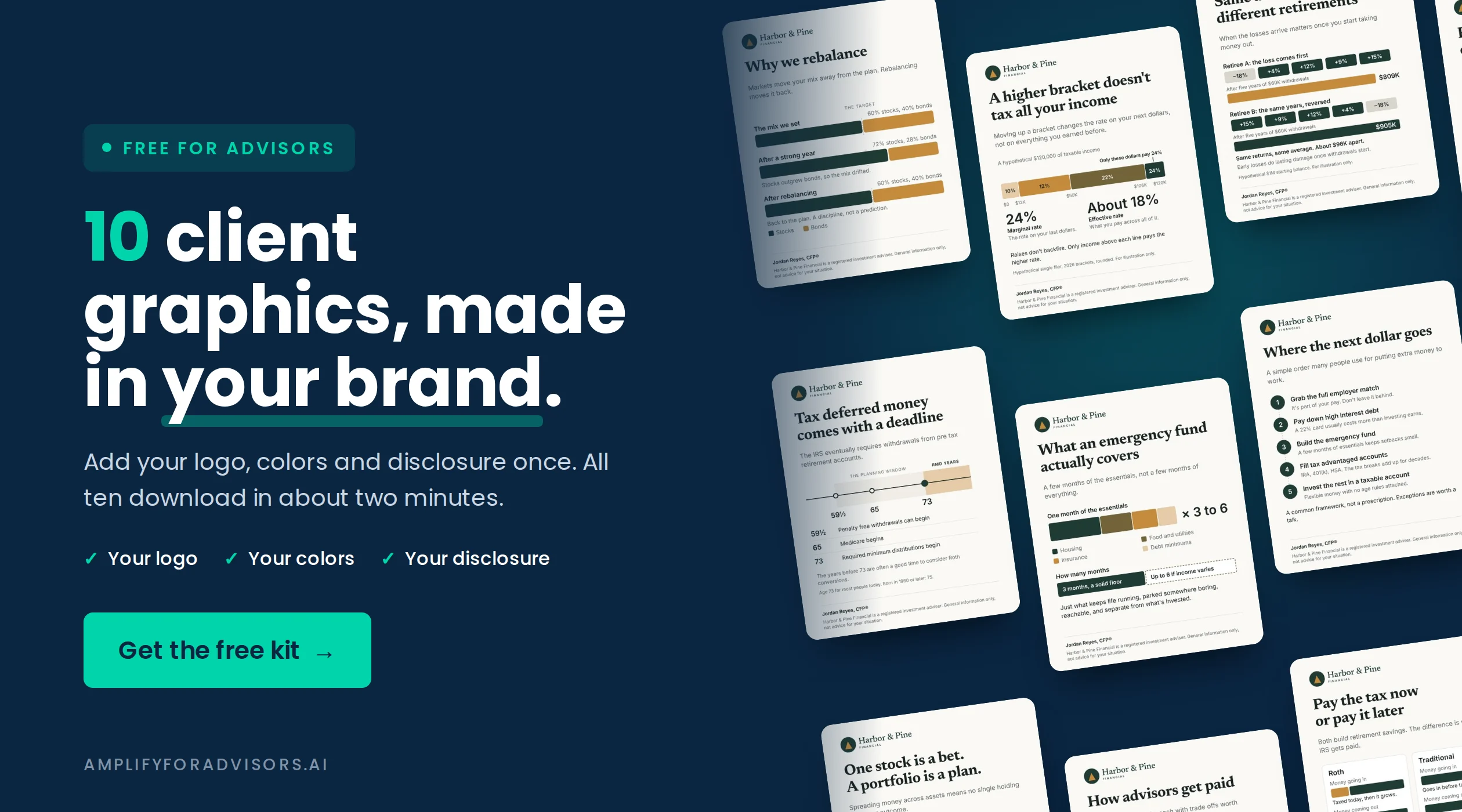
If that list of ten sounds oddly specific, it's because I already built them. The free client graphics kit takes your logo, your colors, your font, and your disclosure line, and returns all ten graphics in your brand in about two minutes. It's free, and it exists so you can see what code-rendered, brand-exact, disclosure-included graphics feel like before you build your own. Grab it, send one to a client this week, and watch what happens.
The same code-rendered design approach is being built into Watt, the Amplify for Advisors Agent, which handles graphics as one department of a larger marketing system. If visuals are the piece you're missing, start with the free kit. If the whole marketing operation is the piece you're missing, Watt is worth a look.
Watt, the Amplify for Advisors Agent
See Watt solve this.
Paste your website once, and Watt drafts a week of posts with graphics in your voice and brand, ready for you to approve.
This week · ready for your review


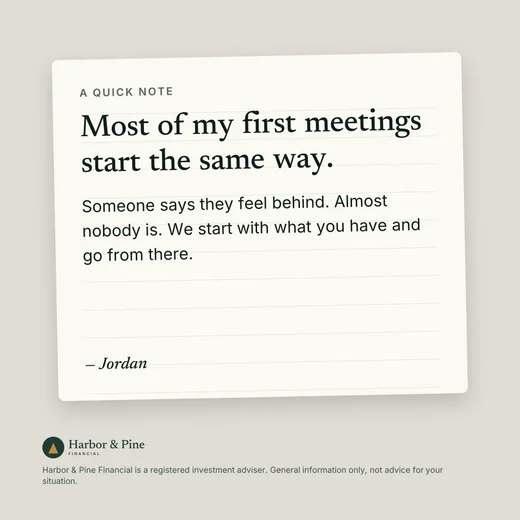
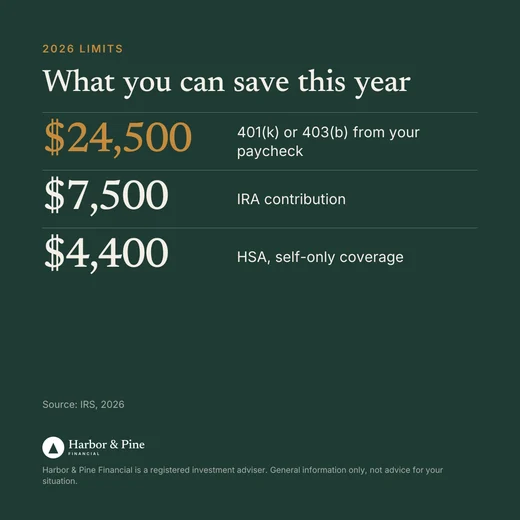

Open now. Watt drafts a week of posts, emails and graphics in your voice, with no client data needed.
Start your 7-day free trialThe Bottom Line for Advisors Who Want Clients to Actually Get It
You already do the hard part. You take complicated financial concepts and make them understandable, one conversation at a time. Client explainer visuals let that work live on after the conversation, in your brand, with your disclosure, in a format people keep and forward.
The method is what makes this practical now. Ask AI to build graphics as code instead of generating them as images, and you get exact colors, exact words, and a disclosure that can't fall off. Start with one concept, or start with the ten free ones and skip straight to sending.
Your best explanations deserve a longer life than one meeting.

Sam is the creator of Amplify for Advisors and Watt, the Amplify for Advisors Agent. A former RIA owner whose work has been featured in Forbes, NerdWallet, Nasdaq, and more, he teaches financial advisors to use AI in their own voice while staying compliant.