OpenAI launched ChatGPT for Accounting this week. When a CPA looked at what drives it, a big part turned out to be a page of written rules, the same kind you could write for your own planning work.
Altruist also announced estate planning for Hazel, and three wealthtech firms launched tools that tell you which clients need attention.
Three stories from this week that matter for your practice.
ChatGPT for Accounting Runs on Rules You Could Write Yourself.
On Wednesday, OpenAI launched ChatGPT for Accounting. It's a free Accounting plugin that connects ChatGPT to QuickBooks Online, Xero, NetSuite, BILL, FreshBooks and a few other accounting apps. It drafts bank reconciliations, invoice entries, month-end reports and audit prep, and OpenAI's page says a person reviews the work before anything is approved.
Jason Staats, a CPA who writes about AI for accounting firms, posted the instructions behind it on X. They tell ChatGPT to cite its evidence next to each conclusion, explain its assumptions, flag open questions and never fill in missing data with a default. He called it "underwhelming to know that's the extent of the secret sauce behind a launch like this," and said the upside is that "you aren't far from a vastly more useful version that's tailored to how you work."
Why you should care: Those rules work just as well for financial planning. If an AI tool helps you with a projection or a tax return review, you want it to show where each number came from, say what it assumed and tell you what's missing.
You don't need technical skills to write rules like that for your own practice. OpenAI's page suggests saving your instructions and review checks as reusable skills, and you can do the same thing in a Claude Project or a custom GPT. Your CPA partners and business-owner clients may also start using the accounting version, which could get you cleaner numbers sooner for tax and cash flow planning.
Source: ChatGPT for Accounting (OpenAI), Using ChatGPT for accounting work (OpenAI Help Center) and Jason Staats on X
Altruist's Hazel Is Adding Estate Planning, Powered by Vanilla.
On Thursday, Vanilla and Altruist announced that Vanilla's estate planning software will be built into Hazel, Altruist's AI planning tool, RIABiz reported. It will be called Hazel Estate Planning and won't be available until early 2027.
RIABiz described it as a lighter version of Vanilla's full product, priced somewhat below Vanilla's basic plan of $99 a month. That cost comes on top of Hazel's Financial Planning Agent, which is $3,600 a year. Vanguard, which agreed in August to buy Altruist, also owns a stake in Vanilla.
Why you should care: Estate planning is a service many solo advisors want to offer and find hard to do without outside help. If it lives inside the planning software you already use, it's easier to cover in every review instead of saving it for a special project.
If Hazel is one of your tools, keep in mind that Vanguard will own it once the Altruist deal closes. Before you build your process around it, ask how pricing and data access could change.
New AI Tools Tell You Which Clients Need Attention Next.
On Wednesday, InvestmentNews covered three new tools that watch your client base and tell you when to act. DeepVest's AutoLab looks for events like a new deposit, portfolio drift or a market move, then prepares plan changes, draft client emails and CRM tasks for you to approve, edit, decline or reassign.
Asset-Map's Compass points out missing pieces like beneficiaries, guardians and powers of attorney, and it flags Social Security claiming and required minimum distributions. Starting in December, Aidentified will connect to FMG Suite's marketing tools, so a wealth event like a job change can trigger an outreach campaign the advisor picked ahead of time.
Why you should care: In a small firm, it's easy to miss the client who needed a call this month. A tool that surfaces those moments can help you reach out first without adding staff.
Find out what each tool sends without your review. A draft that waits for your approval is a different thing from an email that goes out on its own, and your compliance process needs to cover whichever one you pick.
Source: Fintech bytes, AI tools for advisors flag when clients need attention (InvestmentNews)
Meet Watt, the marketing agent for financial advisors.
Monthly newsletters, website articles, social posts and graphics, all in your brand and your voice.
Paste your website and Watt learns your brand.

- Your colors
- AaAaYour fonts
- Your logo
- Your voice
Your week of posts, drafted for you.





Your monthly newsletter, written for you.
- Sounds like you
- Links to your website articles
- Your disclosure added
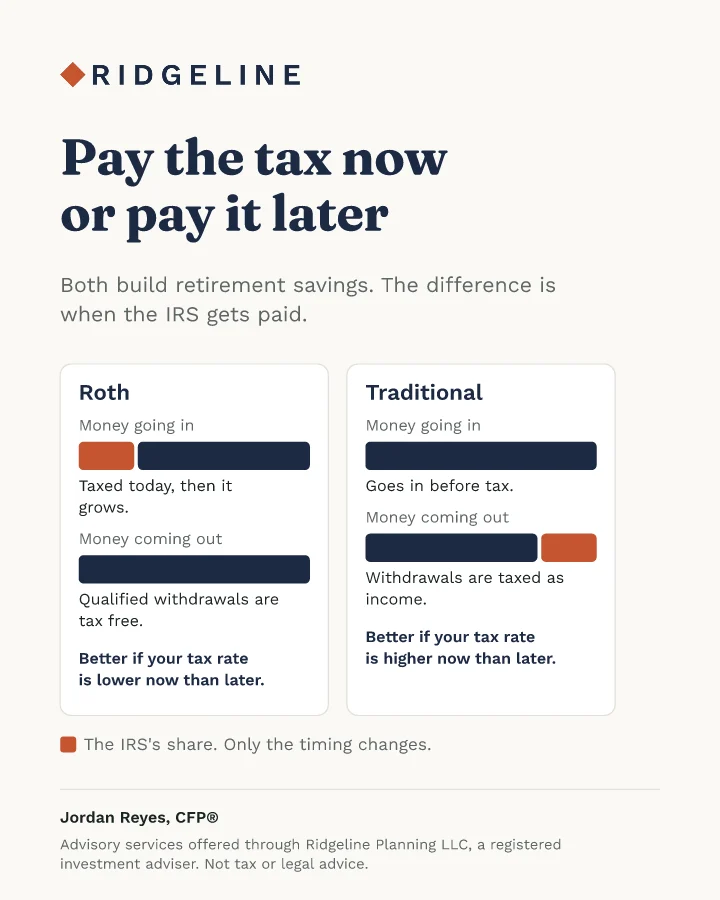
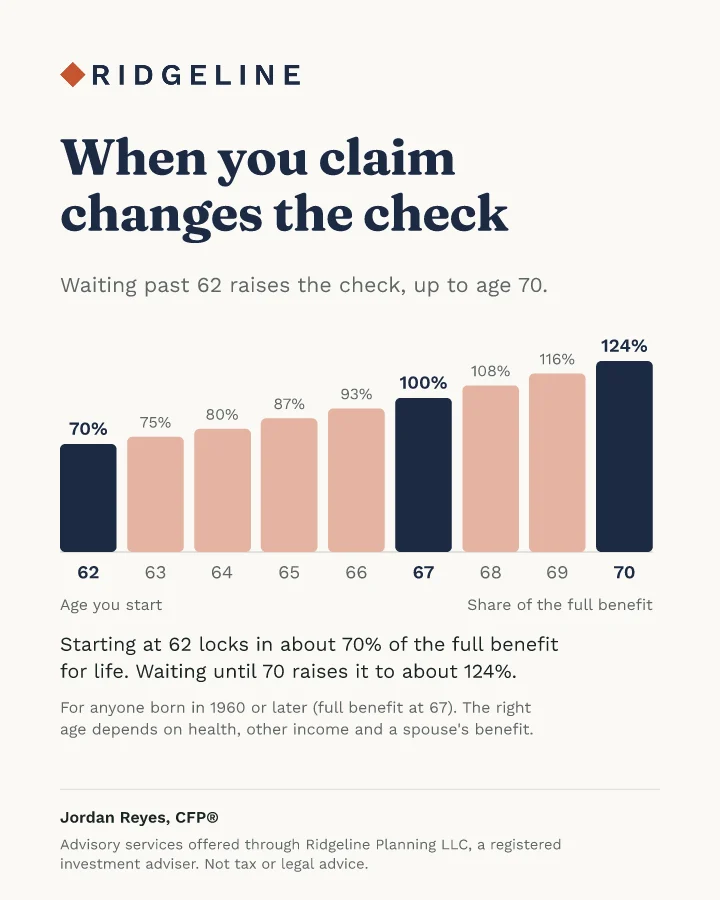
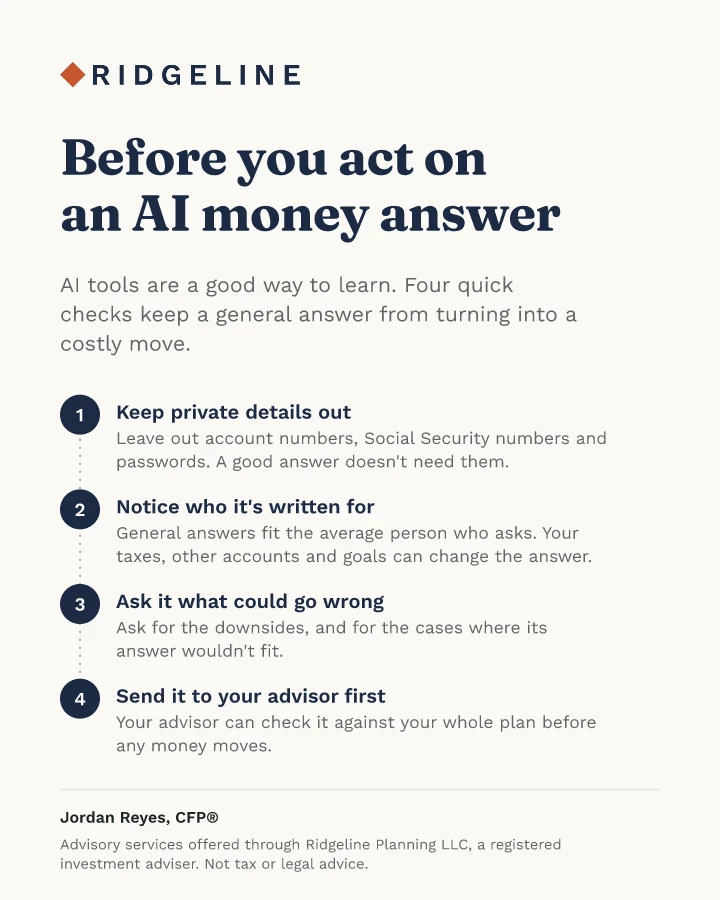
More than 50 client handouts, in your brand.
Nothing goes out until you approve it.
- infPosts to LinkedIn, Facebook, Instagram and X on timeFacebook and Instagram business accounts
 Newsletter ready to sendDrafted in your Mailchimp or Kit
- A copy for your records
About 10 minutes a week
About ten minutes a week. Nothing goes out until you approve it.
Start your 7-day free trialONE THING TO TRY THIS WEEK
Staats's point applies to planning too. This week, have AI ask you how you do your planning work, then turn your answers into a one-page set of instructions it follows whenever you use it for that work.
Step 1. Open Claude or ChatGPT in a new chat and paste this.
I'm a financial advisor. Help me write a one-page set of standing instructions an AI assistant should follow whenever it helps me with planning work, like reviewing a client's tax return, updating a retirement projection or preparing for a review meeting. Ask me up to eight questions, one at a time, about how I work, what I always check, the assumptions I use for things like inflation, returns, retirement age and Social Security claiming, what I never want it to do and how I like work to be shown. Then write the instructions in plain language and include these standards. Put the source next to every number taken from what I paste. Never fill in missing information with a default without telling me. List every assumption and judgment call separately. End with the open questions for me or the client. Keep everything educational, never recommend a specific security, and never ask for or repeat client names or account numbers.
Step 2. Answer its questions. Then paste the finished instructions into a Claude Project or a custom GPT named "Planning standards," and start your planning chats there.
Step 3. Try it on an old case with the names removed, one where you know the right answer. When you correct something, add the correction to the instructions as a new line, and after a few weeks they'll match the way you actually work.

Sam is the founder of Amplify for Advisors and Watt, the Amplify for Advisors Agent. A former RIA owner whose work has been featured in Forbes, NerdWallet, Nasdaq, and more, he teaches financial advisors to use AI in their own voice while staying compliant.