Yes, there's a Claude skill built for exactly this. Write my quarterly client letter is one of the free skills from Amplify for Advisors, and it turns a short conversation about your quarter into a client newsletter in your own voice in about fifteen minutes.
The quarterly newsletter is one of those jobs that never feels urgent until the quarter ends and your inbox fills up. You know clients read it, you know it matters, and you still end up writing it late on a Sunday.
Here's what the skill does, how to add it to Claude, what a good newsletter should say and how it fits with the rest of your client communication.
Is There a Claude Skill for Writing a Quarterly Client Newsletter?
Yes, and it's free for financial advisors. The skill is called Write my quarterly client letter, and once it's in your Claude you start it by typing "Write my quarterly client letter with Watt."
It works differently from a blank prompt. Instead of asking Claude to write a newsletter and hoping for the best, the skill interviews you one question at a time about what came up in your client meetings, then gives you eight subject lines to choose from, then writes the newsletter around the one you picked. It also reads your saved voice, so the newsletter sounds like the person your clients already know.
If you've read the practical guide to Claude skills for financial advisors, this is the idea in action, a repeatable job turned into a skill you can run every quarter.
What Should a Quarterly Client Newsletter Actually Say?
A quarterly client newsletter should answer one question, which is whether the client is still okay. Many newsletters spend most of their words recapping the market, when what a client wants to know is what the quarter means for their plan.
The skill writes the newsletter in six short parts. It opens with the client's quarter rather than the market's, names the worry clients brought up most, answers "am I still okay" through the way the plan was built, and describes what you did on their behalf as ongoing care. Then it steps back to the long view and closes warmly in your own sign-off style.
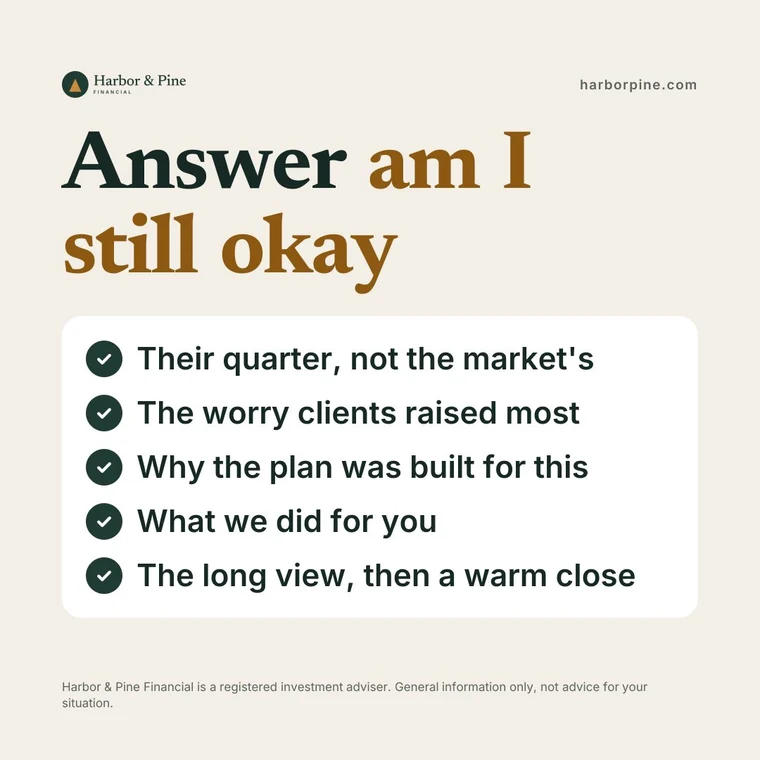
That structure keeps the newsletter between 350 and 550 words, which is long enough to feel warm and short enough that people finish it. It also adds two or three planning reminders for the next quarter, the kind of deadlines every client shares.
Why Does the Free Skill Leave Out Market Numbers?
The free skill leaves market figures out of the newsletter on purpose. No index levels, no returns and no predictions, even if you ask for them.
There are two good reasons. Market numbers are where an AI draft is most likely to be wrong, and a wrong figure in a client newsletter is a lot harder to take back than a typo. They also pull the newsletter toward a market report, which is the opposite of what clients want from you.
A newsletter about what the quarter meant for the people you serve tends to hold up better anyway. If you'd like the figures included, Watt adds them from the Federal Reserve Bank of St. Louis with their sources shown, along with the plain line that an index can't be invested in directly and that past performance doesn't guarantee future results.
How Do You Add the Skill to Claude?
You add it once, and then it's there whenever you ask for it. Start on the free Claude skills page, enter your email and open the link it sends you, and you'll land on your free AI skills page with every skill on it.
Press Copy link on that page. In Claude, open Settings, then Connectors, choose Add custom connector, name it Watt and paste the link. Press Connect and sign in with the same email. If your firm is on a company Claude plan, your Claude administrator adds the link once for everyone.
From there you just type what you want, like "Write my quarterly client letter with Watt." The other free skills work the same way, including the voice guide skill, which is the one I'd run first so every newsletter sounds like you. If you haven't set Claude up for your practice yet, the step-by-step Claude setup guide covers the rest.
What Does the Conversation With Claude Look Like?
The conversation is a short interview, and it asks better questions than a blank page does. It wants to know which quarter the newsletter covers, what came up most in your client meetings, what clients worried about when the door was closed and whether you found yourself explaining the same thing more than once.
That last question is usually where the newsletter's best material comes from. If you answered the same question five times this quarter, the clients who didn't ask were probably wondering too.
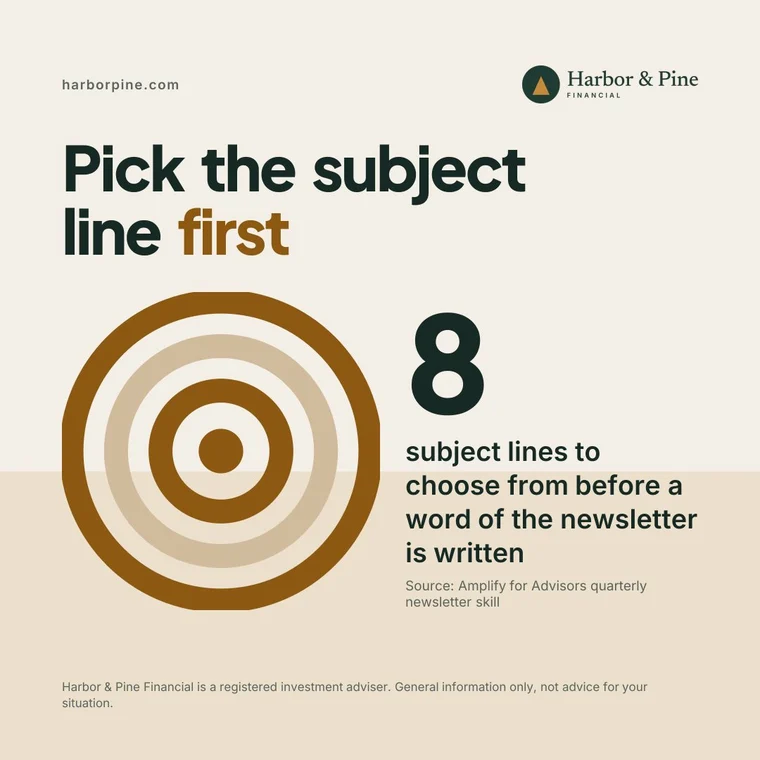
Then you get eight subject lines with a line on why each one works, and you pick one before the newsletter is written. Once the draft is in front of you, the skill asks you to read it to yourself and tell it anything you wouldn't actually say. If you serve clearly different groups, like people near retirement and business owners, it can also write a separate middle paragraph for each.
Is It Compliant to Write Client Newsletters With Claude?
It can be, as long as you keep client details out of the conversation and your firm's review in the process. The skill never asks for client names, account values, balances or holdings, and if you offer them it says it will keep things general instead.
Before it shows you the newsletter, the skill checks the draft for compliance wording and plain language, and it fixes what it finds. That check is a helpful first pass and still leaves the final call to you and your firm. Run the newsletter through your normal review, and keep a copy of what you send.
It also matters which Claude account you use. A firm account with the right settings is a better home for client communication than your own account, and the guide to client data and AI covers what should never go into a prompt.
When Should Your Q4 Newsletter Go Out?
I'd aim for the first couple of weeks of January, while the year still feels fresh and before tax season takes over everyone's attention. That gives you time over the holidays to run the interview, pick a subject line and get the newsletter through review.
The fourth quarter newsletter is also a natural place to look back on the whole year. Clients remember what they worried about in the spring better than what happened in October, so a sentence or two about the full year helps them see how the plan handled all of it.
If you'd like a shorter note to go out before the holidays, the guide to year-end client emails covers what to send in December.
What Does Watt Add on Top of the Free Skill?
Watt does the same job without the typing, and it adds the parts the free skill leaves out. In Watt you pick the quarter, check the market figures it will use with each source shown, add any notes like firm news, and press Write my letter.
About a minute later you have the newsletter for clients and a matching LinkedIn post for everyone else, written in your voice and checked for compliance wording. You can send it to your compliance reviewer through a private link, and they can comment and approve without an account.
Meet Watt, the marketing agent for financial advisors.
Monthly newsletters, website articles, social posts and graphics, all in your brand and your voice.
Paste your website and Watt learns your brand.

- Your colors
- AaAaYour fonts
- Your logo
- Your voice
Your week of posts, drafted for you.


Your monthly newsletter, written for you.
- Sounds like you
- Links to your website articles
- Your disclosure added
More than 50 client handouts, in your brand.
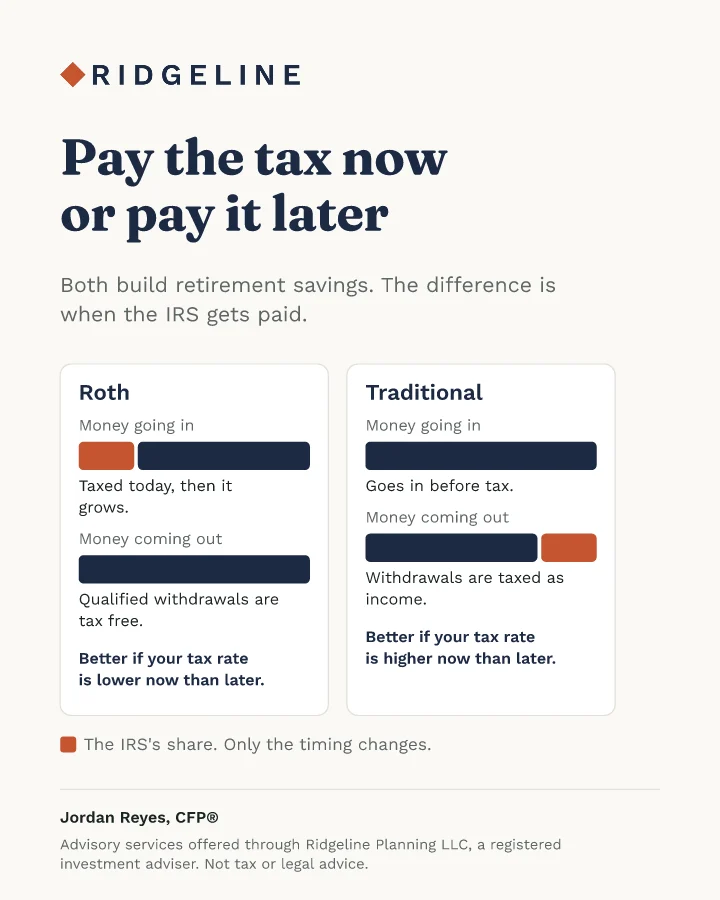
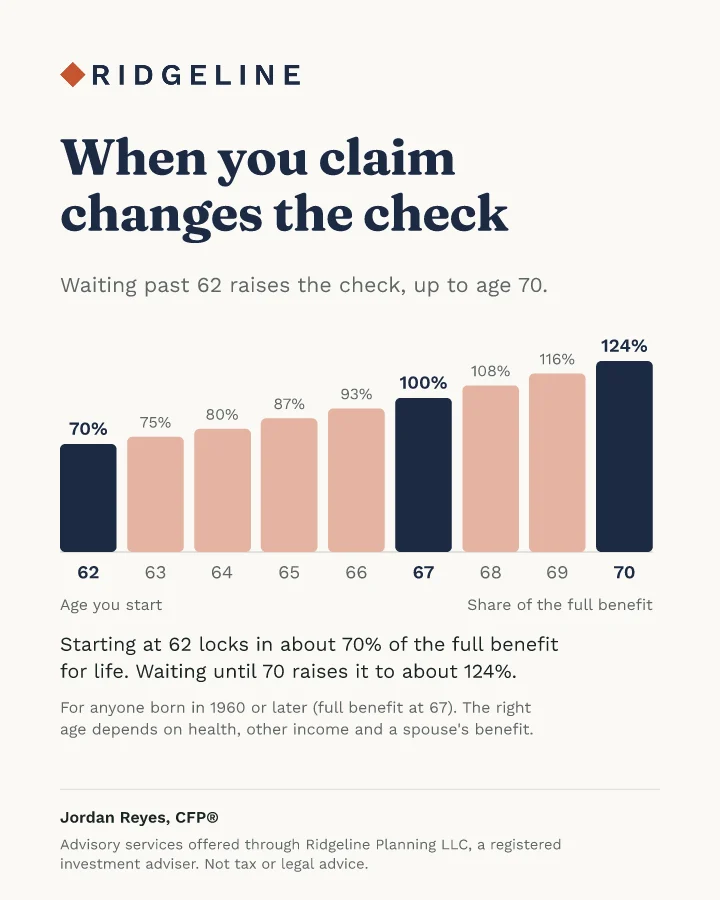
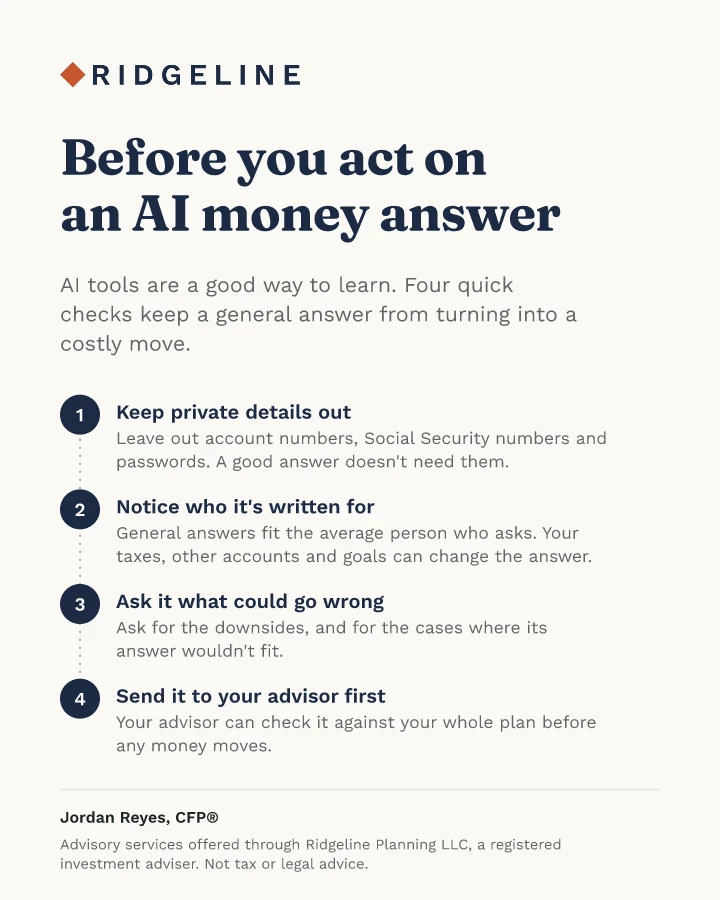
Nothing goes out until you approve it.
- infPosts to LinkedIn, Facebook, Instagram and X on timeFacebook and Instagram business accounts
 Newsletter ready to sendDrafted in your Mailchimp or Kit
- A copy for your records
About 10 minutes a week
About ten minutes a week. Nothing goes out until you approve it.
Start your 7-day free trialThe free skills and Watt use the same sign-in and the same Claude connection, so starting the trial doesn't mean setting anything up again. The rest of the week is handled too, with posts, graphics and newsletters drafted for you to approve.
The Bottom Line for Advisors Writing a Quarterly Client Newsletter
There is a Claude skill for the quarterly client newsletter, and it's free. It asks you about your quarter, gives you subject lines to choose from and writes a short newsletter in your voice that answers whether clients are still okay, with no market numbers to double-check and no client details involved.
Add it to Claude once, run it when the quarter ends and put the newsletter through your firm's review like anything else you send. Your clients will notice the difference between a market recap and a newsletter that sounds like you.
The best newsletters read like a conversation you already had with them.

Sam is the founder of Amplify for Advisors and Watt, the Amplify for Advisors Agent. A former RIA owner whose work has been featured in Forbes, NerdWallet, Nasdaq, and more, he teaches financial advisors to use AI in their own voice while staying compliant.